Coming soon to iPhone
Eight moments.
One real day.
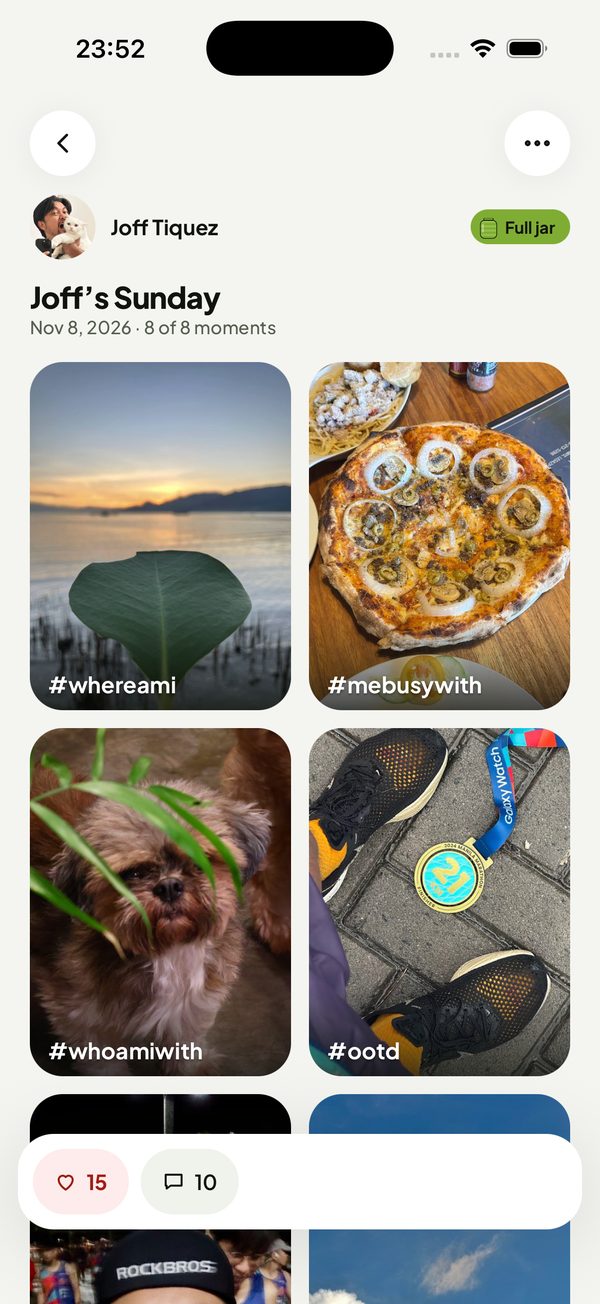
Pickld is a photo diary for the day you actually had. Fill a jar with eight photos, from where you are to how your evening went, then let your friends read it.
The heart of Pickld
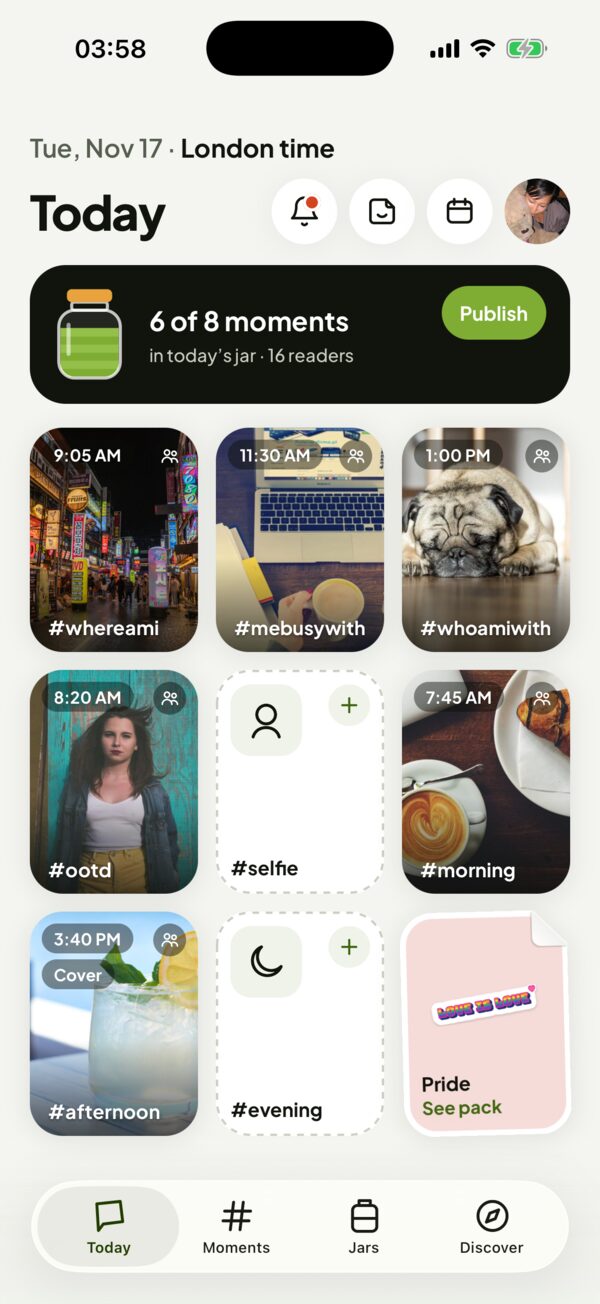
One jar a day. Eight moments to fill.
Every moment has its own slot, so your jar tells the whole day, not just the highlight. Each slot is a small prompt, not a rule: fill it with whatever your day actually looked like. A new jar starts at midnight.
- #whereami
Where you are right now
The place you’re in, big or small. Trips count, but so do the ordinary spots your day passes through.
- #mebusywith
What’s keeping you busy
Whatever has your hands or your head today: work, school, a hobby, or resting on purpose.
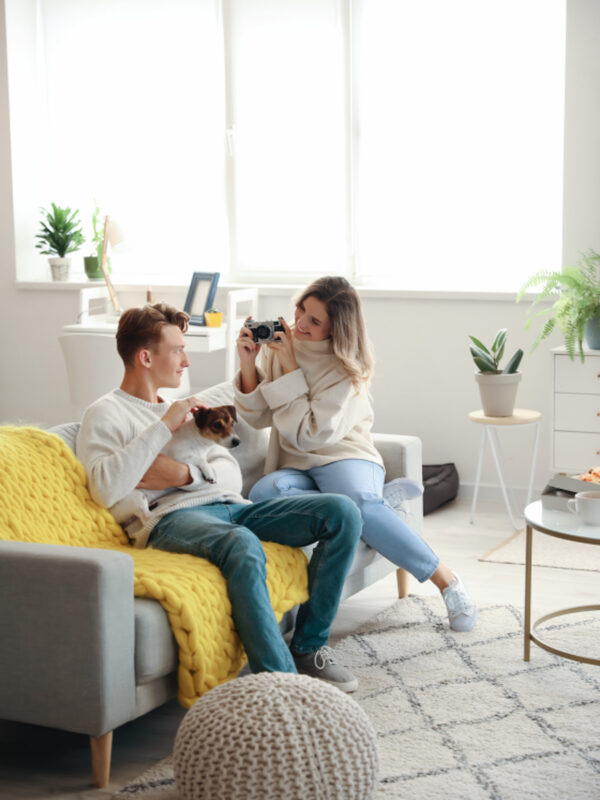
- #whoamiwith
Who you’re with
Your company today. It doesn’t have to be a person: a pet, a plant, a good book, or just you all count.
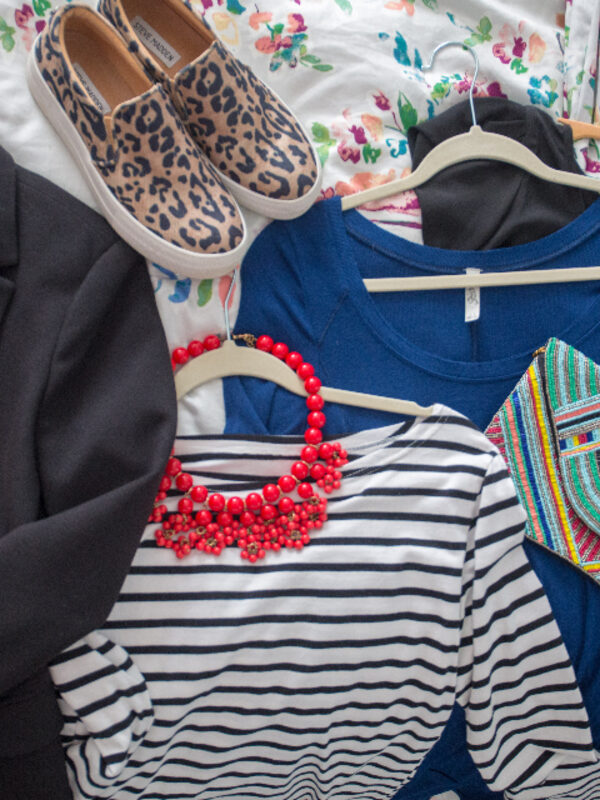
- #ootd
Today’s outfit
What you actually wore, not what you’d post. Pambahay counts.
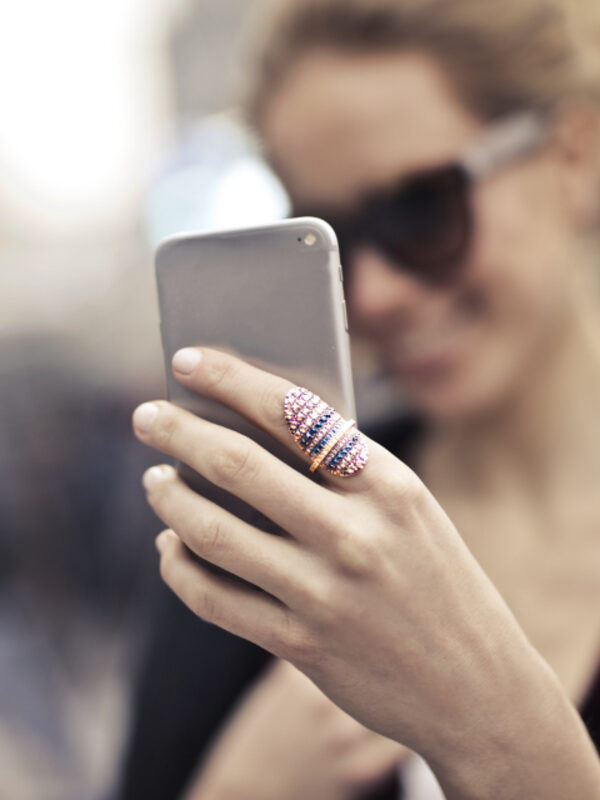
- #selfie
Your face, as it is
How you look and feel right now. Pickld has no beauty filters or retouching, so it’s really you.
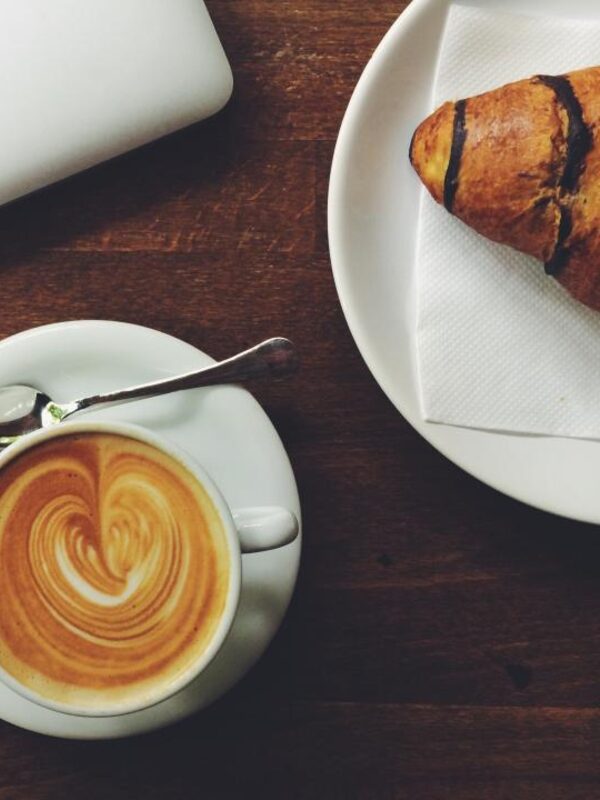
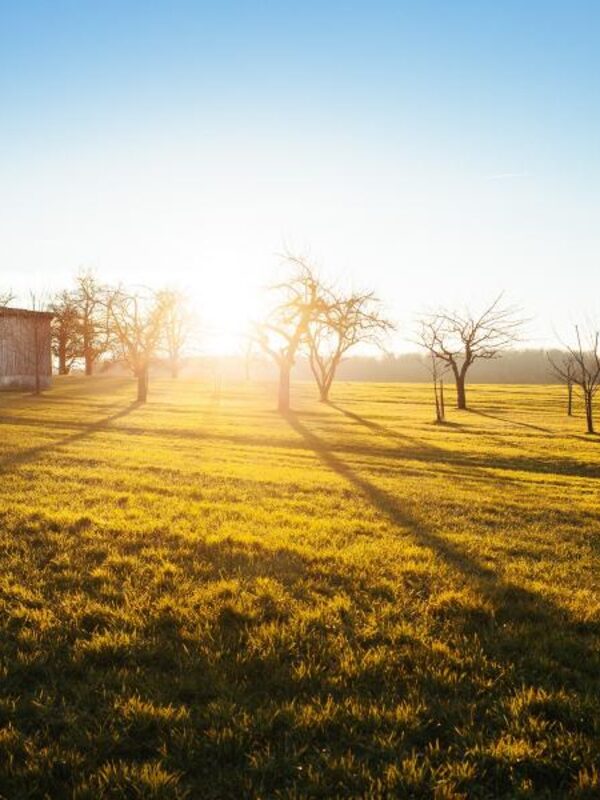
- #morning
How the day began
The first part of your day, however it started: early, late or somewhere in between.
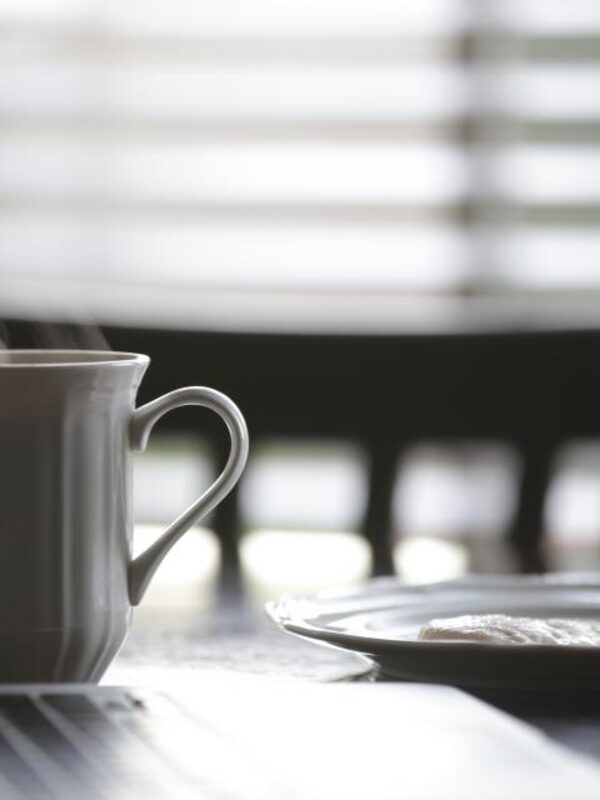
- #afternoon
The middle of it all
The stretch between lunch and going home: the busy part, the slump and the snack that saves it.
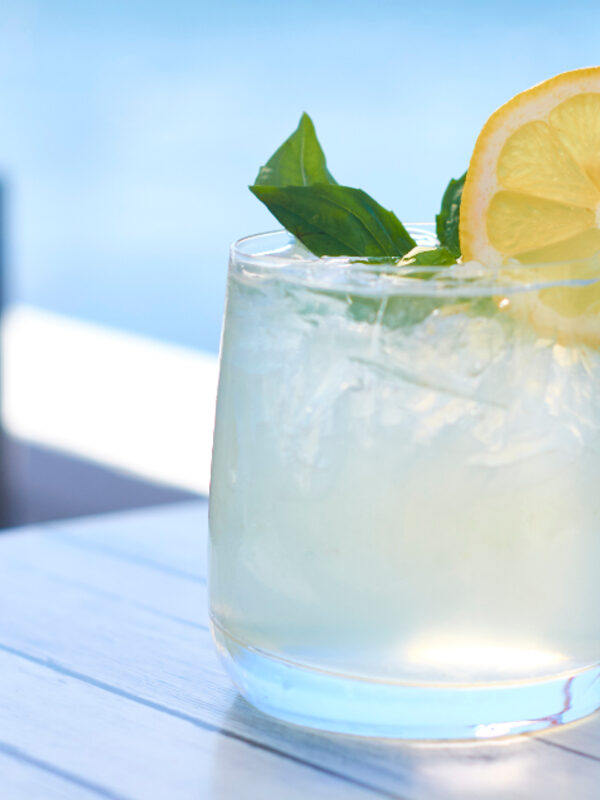
- #evening
How it ended
The way your day wound down, quiet or not.
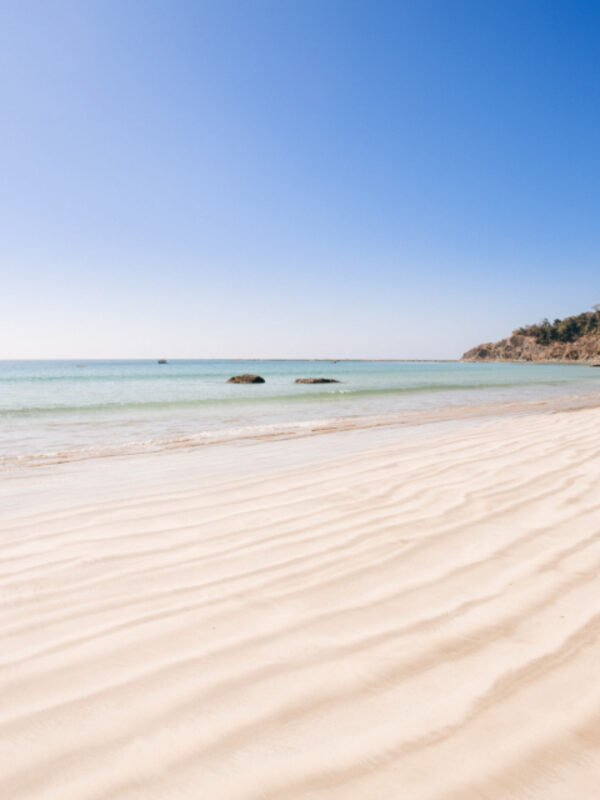
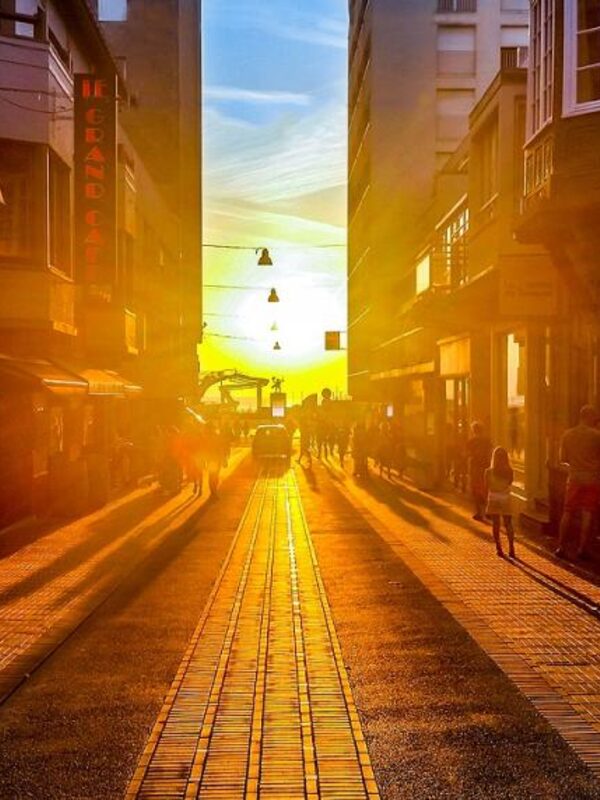

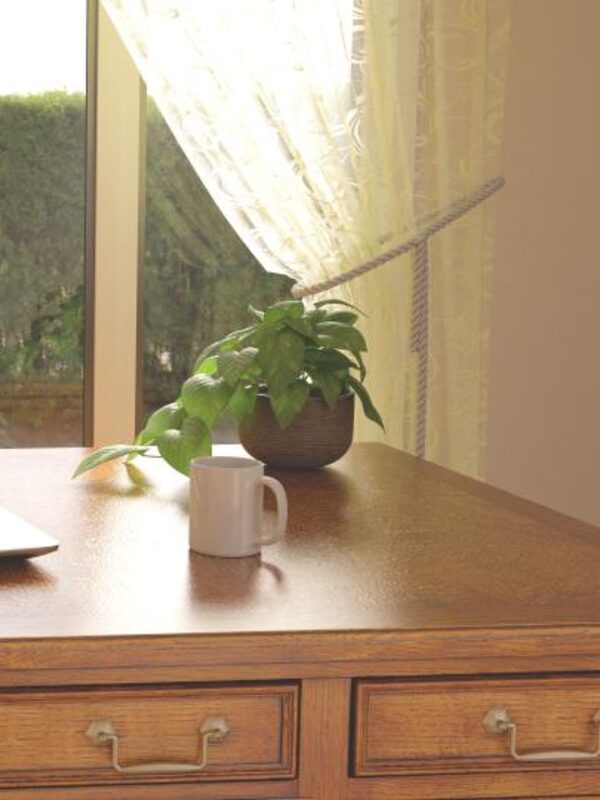
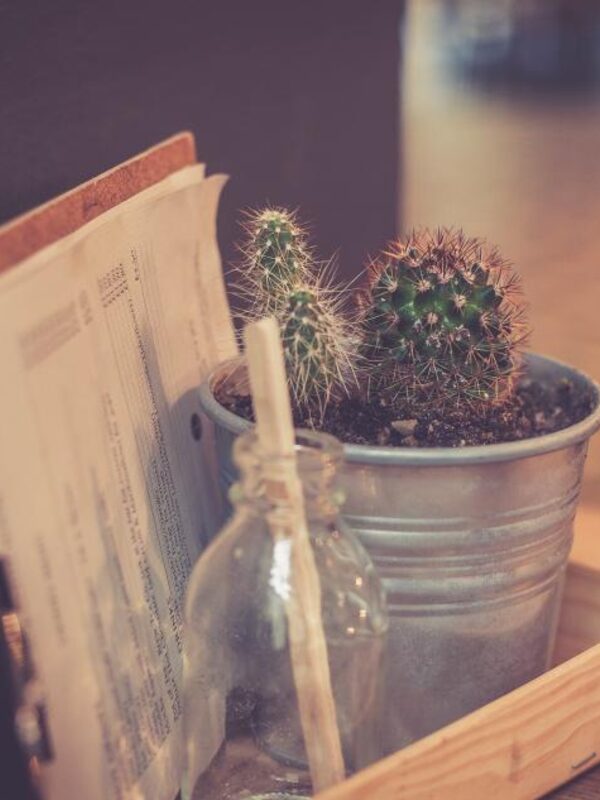
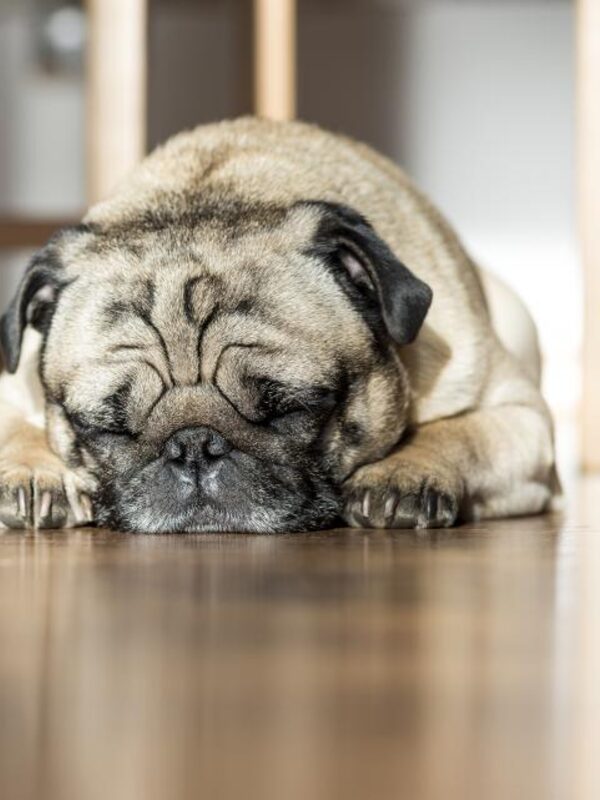
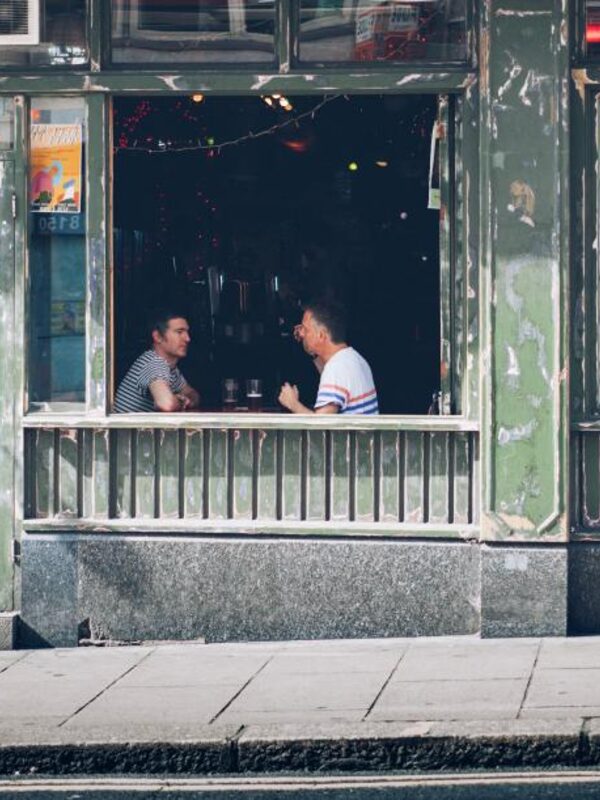

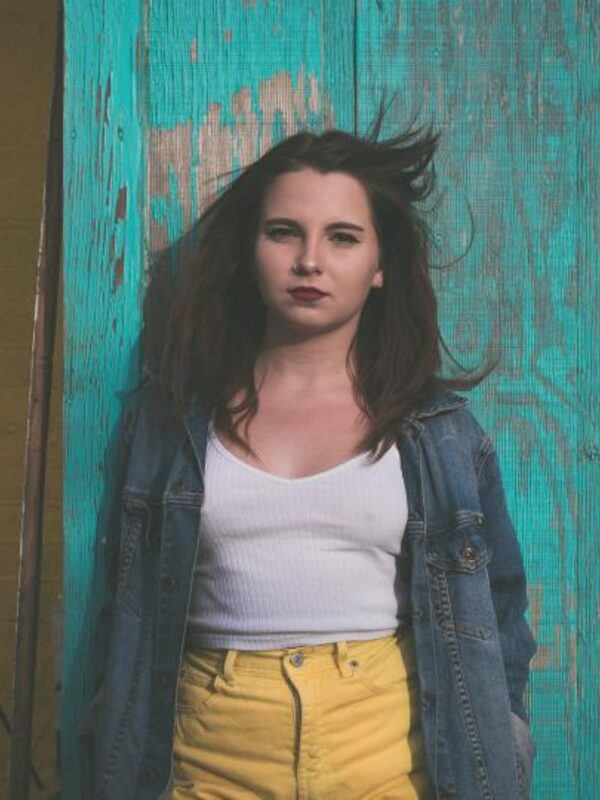
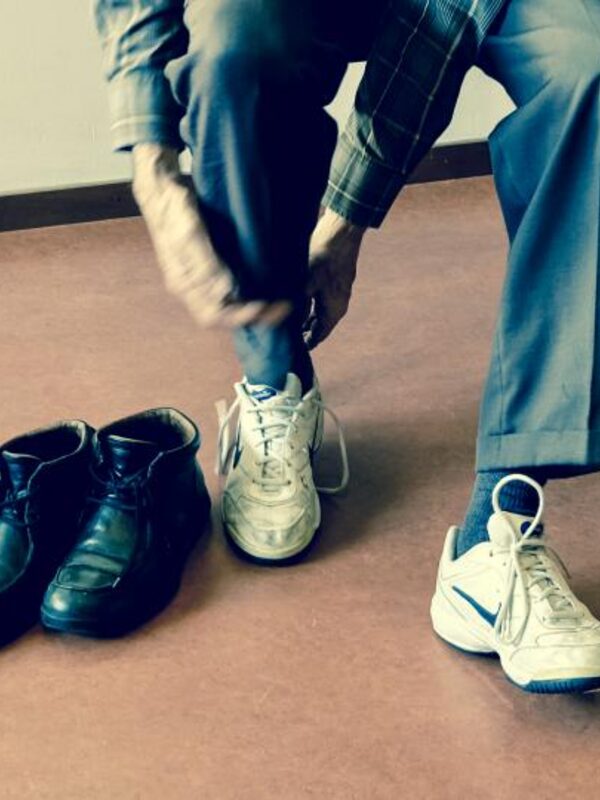


Snap. Decorate. Share.
Three steps, all in the app, from the moment it happens to your friends reading it.
- 1
Snap it when it happens
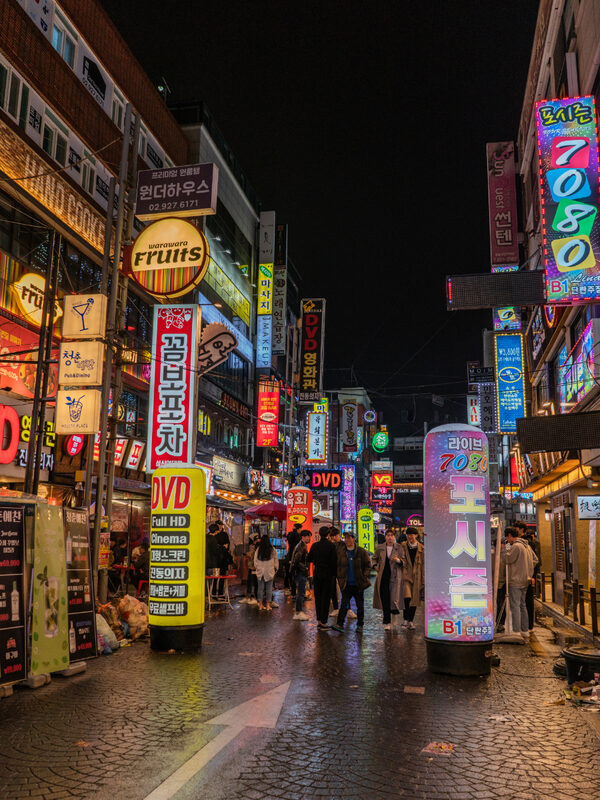
Take the photo and it drops into the right slot. No signal? It’s saved on your phone and uploads later.
- The Now tile picks the moment for the time of day: morning, afternoon or evening.
- Choose from your gallery and the photo joins the day it was taken.
- Missed one? Fill in any past day later; it shows a small “Added later” badge.
- Offline, it’s saved on your phone and uploads when you’re back.
- 2
Make it yours
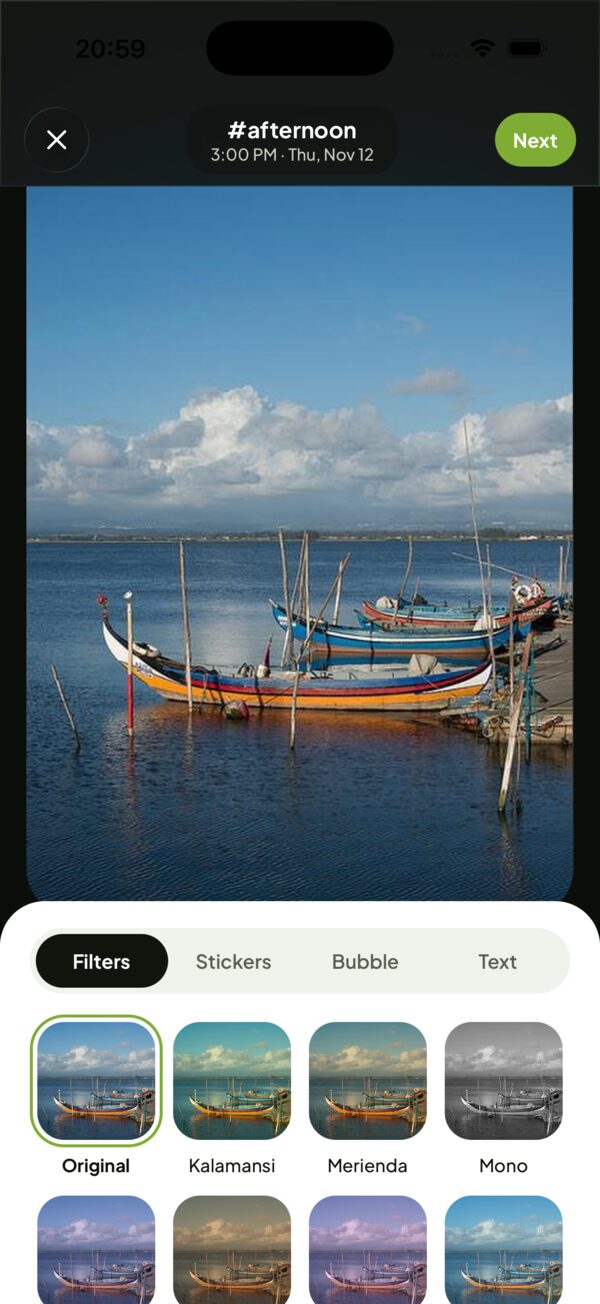
Color filters, stickers, speech bubbles and text. No beauty filters or face retouching, ever.
- 16 color filters, named for Pinoy days, like Kalamansi, Kape and Halo-halo.
- Stickers from free packs, Olivia’s pack and very Pinoy packs.
- Speech, thought, shout and whisper bubbles, and text in 8 fonts.
- No beauty filters or face retouching, ever.
- 3
Share it your way
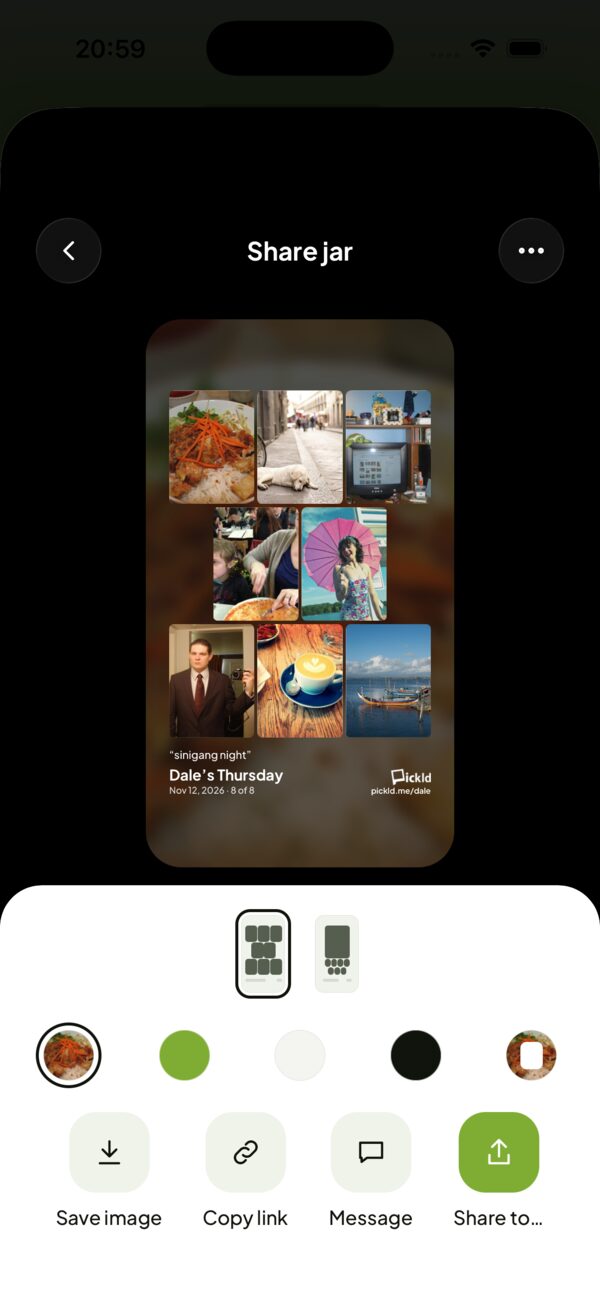
Publish your jar for the people who read you, or turn a moment or the whole jar into a card for your Stories, with your pickld.me link on it.
- Publish the jar for your readers, for everyone, or only you.
- Turn a moment or the whole jar into a card for your Stories, in 9:16 or 4:5.
- Pick from layouts, from one big photo to a grid of eight.
- Every card carries your pickld.me link so friends can find you.
Stickers
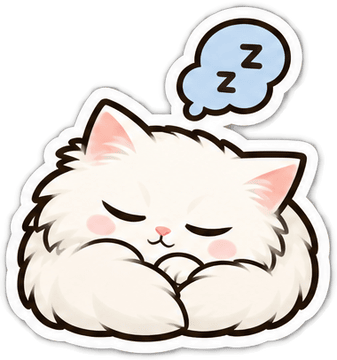
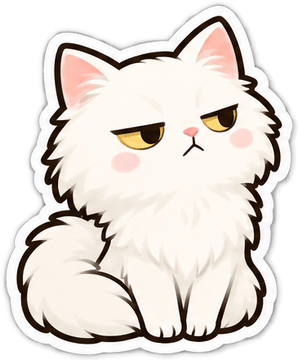
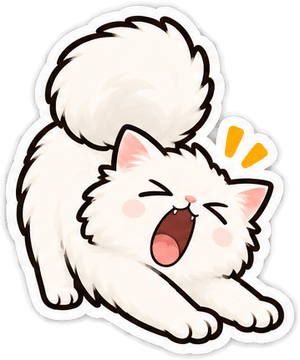
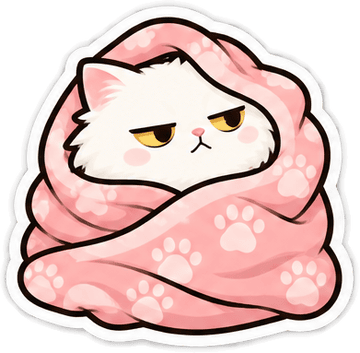
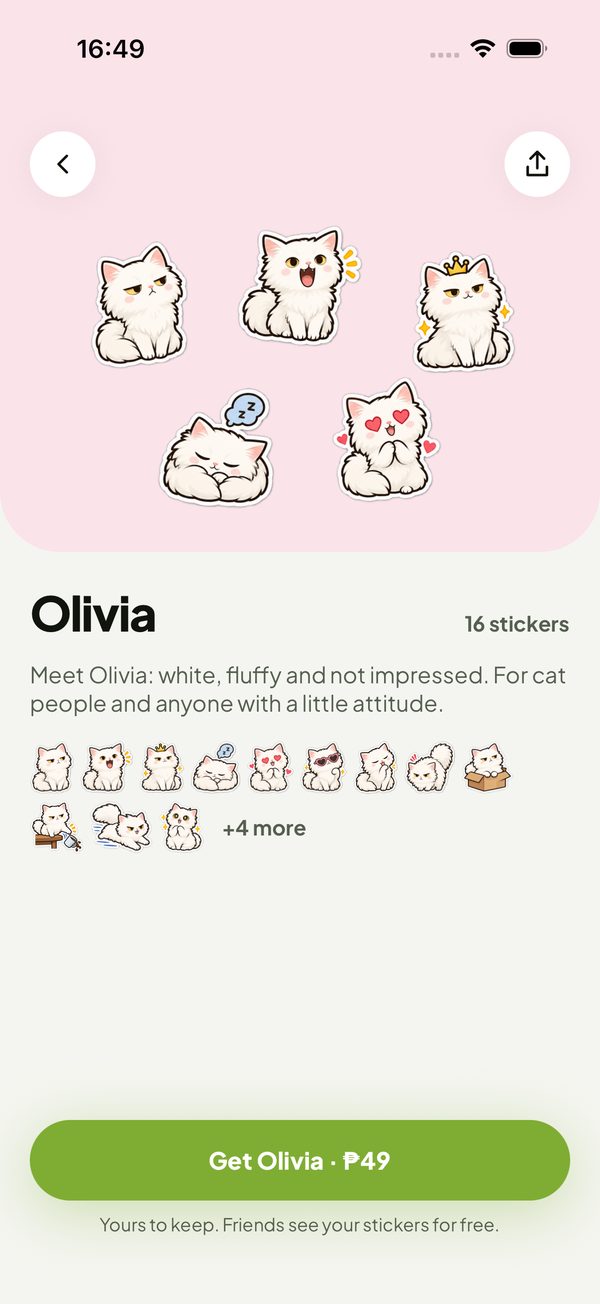
Meet Olivia
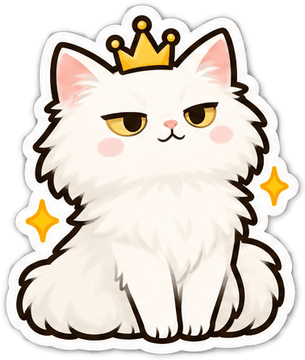
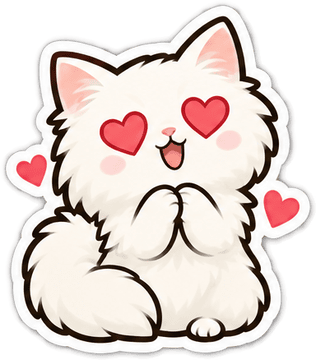
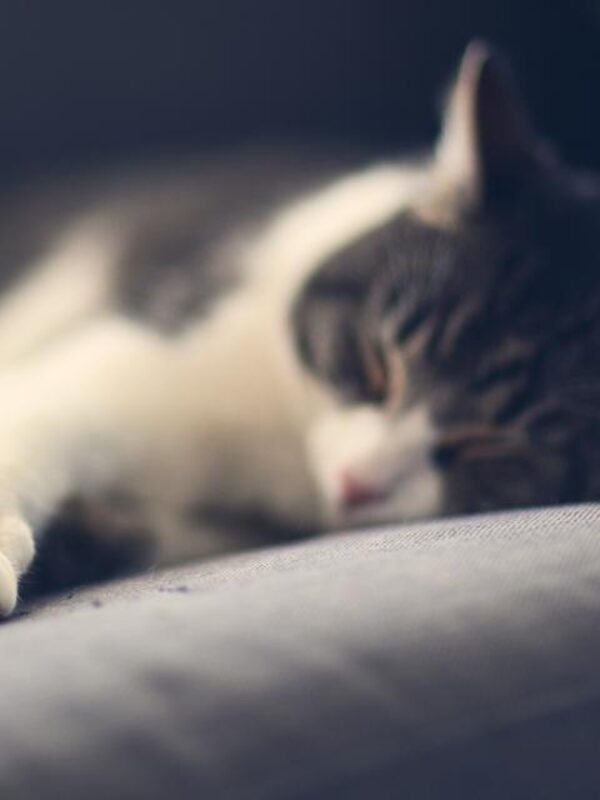
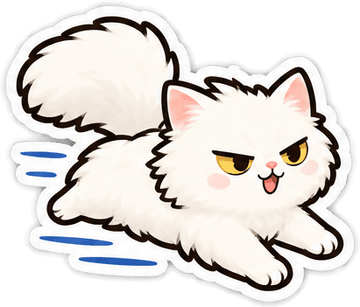
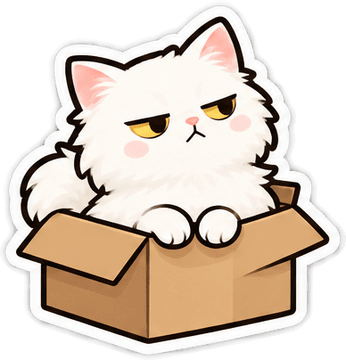
Olivia is a real cat: white, fluffy and not impressed. She has her own sticker pack, next to free packs for every moment and packs made for very Pinoy days.
Yours, on your terms
Every jar picks its own audience when you publish it.
- Readers
The people you let read you. This is the default.
- Everyone
Anyone with the link, and your page at pickld.me.
- Only me
Keep this jar just for you.
You decide who you see, and who sees you
Private moments
Mark one moment private and it stays with you: never in feeds, share cards, notifications or our analytics.
No location in your photos
Pickld removes location data from your photos before they upload. Only the time is kept.
Mute without drama
Mute someone you read and their posts leave your Moments and Jars. You stay their reader, and they aren’t told.
Block anyone
Blocked people can’t see your jars or find your profile, and they aren’t told.
Stay out of Discover
Turn off Show me in Discover to stay out of Discover and suggestions.
Safer for teens
Under 18, your posts stay out of Discover and suggestions.
Look back without scrolling
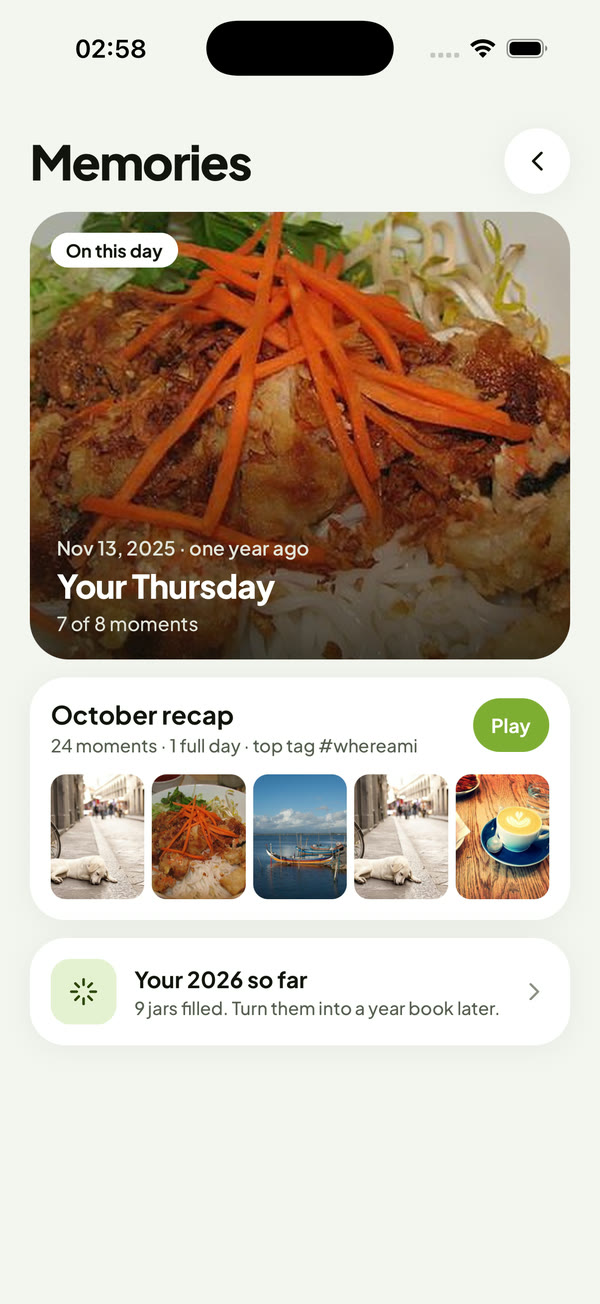
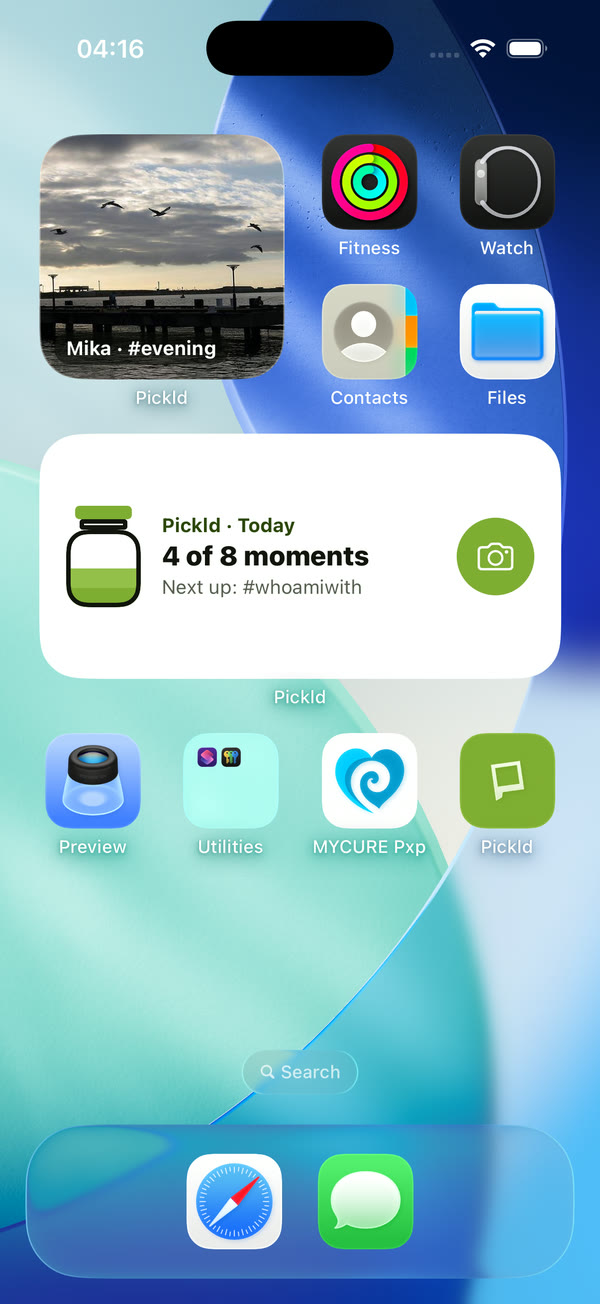
On this day brings back your jar from a year ago, monthly recaps add up your moments, and a home screen widget keeps today’s jar one tap away.
Questions
Is Pickld free?
Yes. Jars, readers and the free sticker packs cost nothing. Some extra sticker packs will cost a little, and what you buy is yours to keep.
Is it on Android?
Pickld starts on iPhone. Android comes later.
Who can see my jar?
Your readers, unless you choose otherwise. Make a jar Everyone to share it with a link, or Only me to keep it to yourself. You can block anyone.
Do I have to fill all eight?
No. A jar holds up to eight moments, and messy, half-full days count too.
What if I miss a moment?
Fill it in later. Any past day can be filled, and those moments get a small “Added later” badge so your readers know.
How old do I need to be?
13 or older.
You deserve to be you.
The easiest way to tell your story. Pickld is coming soon to iPhone.